
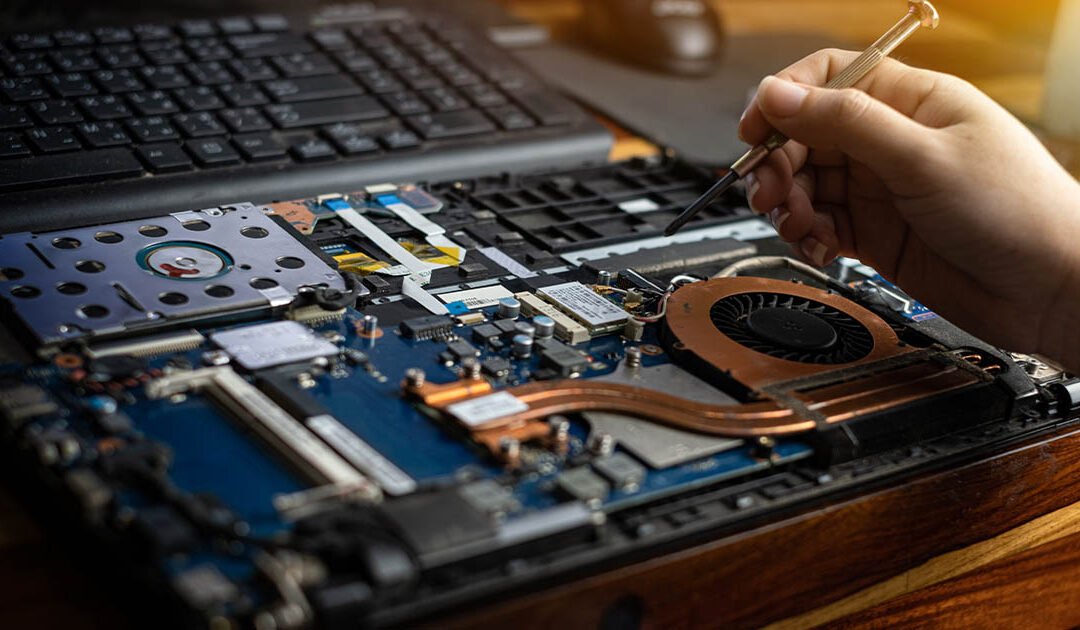
As Chromebooks continue to power 1:1 learning initiatives across the country, school districts are seeing firsthand the benefits of providing students with access to technology. However, with thousands of devices traveling between classrooms, cafeterias, buses, and homes each day, accidental damage remains one of the biggest challenges facing K-12 technology programs.
Understanding the top causes of Chromebook damage in schools can help technology leaders reduce repair costs, improve device longevity, and better protect their technology investments.
1. Cracked Screens
Cracked screens are consistently the most common Chromebook repair issue in K-12 environments.
Students frequently carry devices throughout the day, and even a short drop from a desk, cafeteria table, or backpack can result in a damaged display. In many cases, screens crack when excessive pressure is placed on a Chromebook inside a crowded backpack or locker.
While screen repairs are often straightforward, they can quickly become one of the largest repair expenses for districts managing hundreds or thousands of devices.
Ways to Reduce Screen Damage:
- Use durable protective cases
- Encourage proper device transportation
- Provide student technology care training
- Establish classroom handling guidelines
2. Keyboard and Palm Rest Damage
Chromebook keyboards endure significant daily use. Keys can become detached, damaged by rough handling, or affected by food and debris entering the keyboard assembly.
Palm rests are also vulnerable to cracks caused by drops, impacts, and improper handling.
When keyboards or palm rests are damaged, repairs often require more than simply replacing individual keys, increasing both labor and parts costs.
3. Liquid Spills
Water bottles, juice boxes, and other beverages are common in classrooms, making liquid damage a frequent cause of Chromebook failures.
Even small spills can impact:
- Keyboards
- Touchpads
- Motherboards
- Charging circuits
- Internal connectors
Liquid damage often results in some of the most expensive repairs because multiple internal components may be affected simultaneously.
Common Sources of Liquid Damage:
- Water bottles leaking in backpacks
- Drinks spilled at lunch
- Devices left outdoors during rain
- Accidental spills at home
4. Broken Charging Ports
Charging ports experience constant wear and tear throughout the school year.
Students may:
- Force charging cables into ports
- Pull chargers out at awkward angles
- Trip over charging cords
- Use damaged charging adapters
Over time, these actions can loosen or damage USB-C charging ports, preventing devices from charging properly.
Because charging ports are often soldered directly to internal boards, repairs can be more complex than many districts expect.
5. Hinge Damage
Chromebook hinges are designed for frequent opening and closing, but improper use can cause failures over time.
Common causes include:
- Opening devices from one corner
- Forcing screens beyond their intended angle
- Carrying devices by the display
- Repeated rough handling
Damaged hinges can eventually crack the screen housing or separate the display assembly entirely, leading to more extensive repairs.
6. Case and Housing Cracks
The outer shell of a Chromebook protects the internal components, but it is also one of the most commonly damaged areas.
Students frequently drop devices while:
- Entering or exiting buses
- Walking between classes
- Carrying multiple items
- Loading backpacks
While housing damage may appear cosmetic, cracks can expose internal components to dirt, moisture, and additional damage over time.
7. Motherboard Failures from Impact
Significant drops or impacts can damage internal electronics even when the exterior appears intact.
A Chromebook may experience:
- Intermittent startup issues
- Display failures
- Charging problems
- Complete device failure
These repairs are often among the most costly because they involve replacing major internal components.
Why Chromebook Damage Costs Continue to Rise
As schools expand their technology programs, repair costs can quickly become unpredictable. A district managing thousands of devices may experience hundreds of accidental damage incidents each year.
Without a comprehensive protection strategy, technology budgets can be strained by:
- Unexpected repair expenses
- Replacement device purchases
- Shipping costs
- Student downtime
- Increased staff workload
This is why many districts are turning to Accidental Damage Protection (ADP) programs to create predictable budgeting and reduce out-of-pocket repair expenses.
How AGiProtect Helps Schools Reduce Chromebook Repair Costs
AGiProtect® provides comprehensive Accidental Damage Protection designed specifically for K-12 environments. With unlimited accidental damage claims, zero deductibles, and instant claim approvals, schools can protect their Chromebook investments while keeping students connected to learning.
Combined with AGi’s nationwide repair services, over 25 years of experience, and support for more than 150 Chromebook and Windows device models, AGiProtect helps districts simplify device management and control long-term technology costs.
Protect Your Devices at the Time of Purchase
Many school districts are now choosing to purchase AGiProtect through their preferred technology reseller when buying new Chromebooks, laptops, or tablets.
AGi has partnered with resellers nationwide to make our accidental damage protection and warranty solutions available alongside new device purchases. As a superior alternative to many OEM warranty and insurance programs, AGiProtect offers unlimited accidental damage claims, zero deductibles, instant claim approvals, and fast nationwide repair services designed specifically for K-12 schools.
By bundling protection with new device purchases, districts can simplify procurement, improve budget predictability, and ensure their technology investment is protected from day one.
Learn More About Chromebook Protection
If your district is looking for ways to reduce Chromebook repair expenses, improve budgeting accuracy, and extend device lifecycles, AGiProtect can help.
Contact AGi today to learn how our Accidental Damage Protection solutions can support your school’s technology program and keep students learning without interruption.
